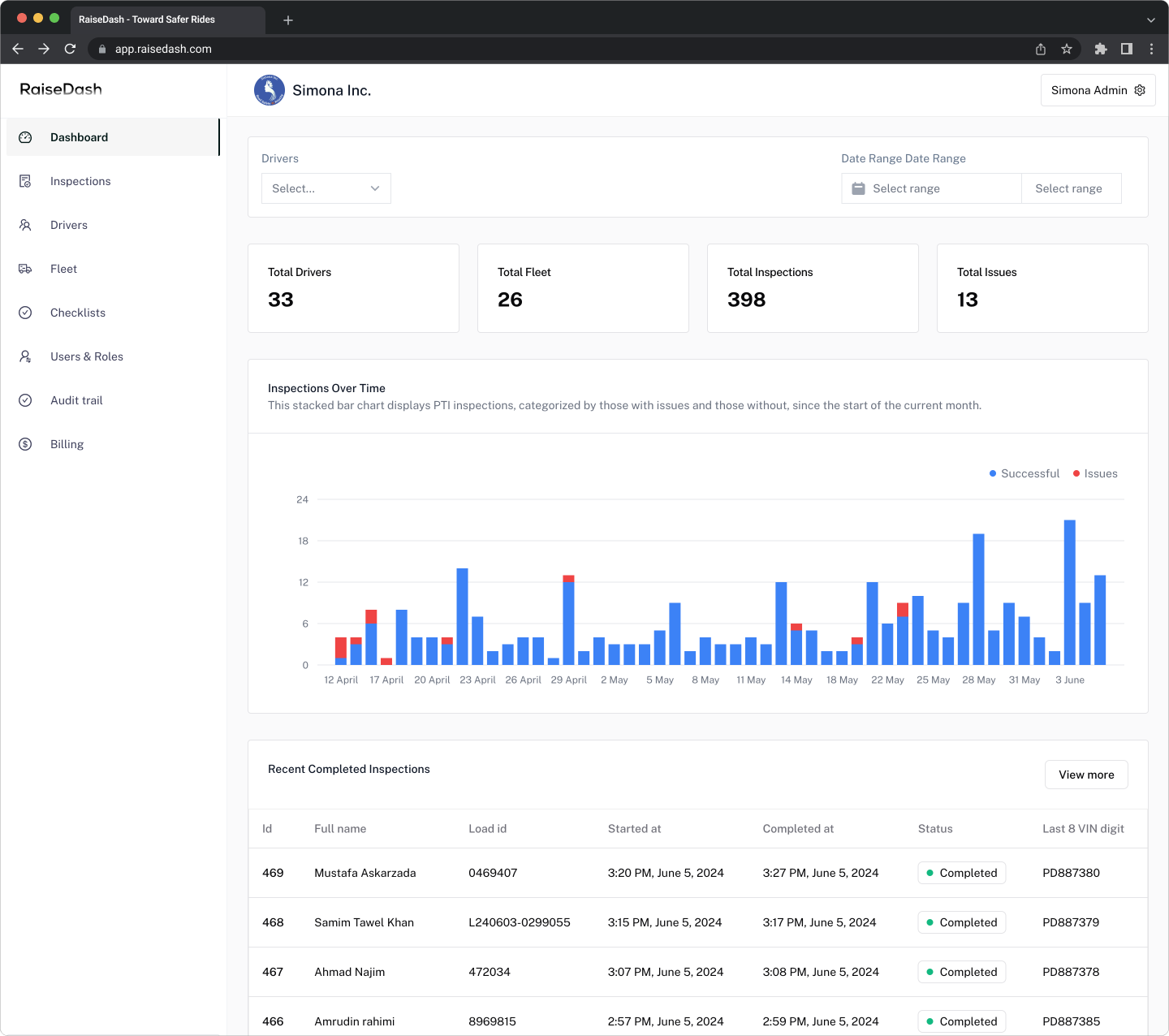
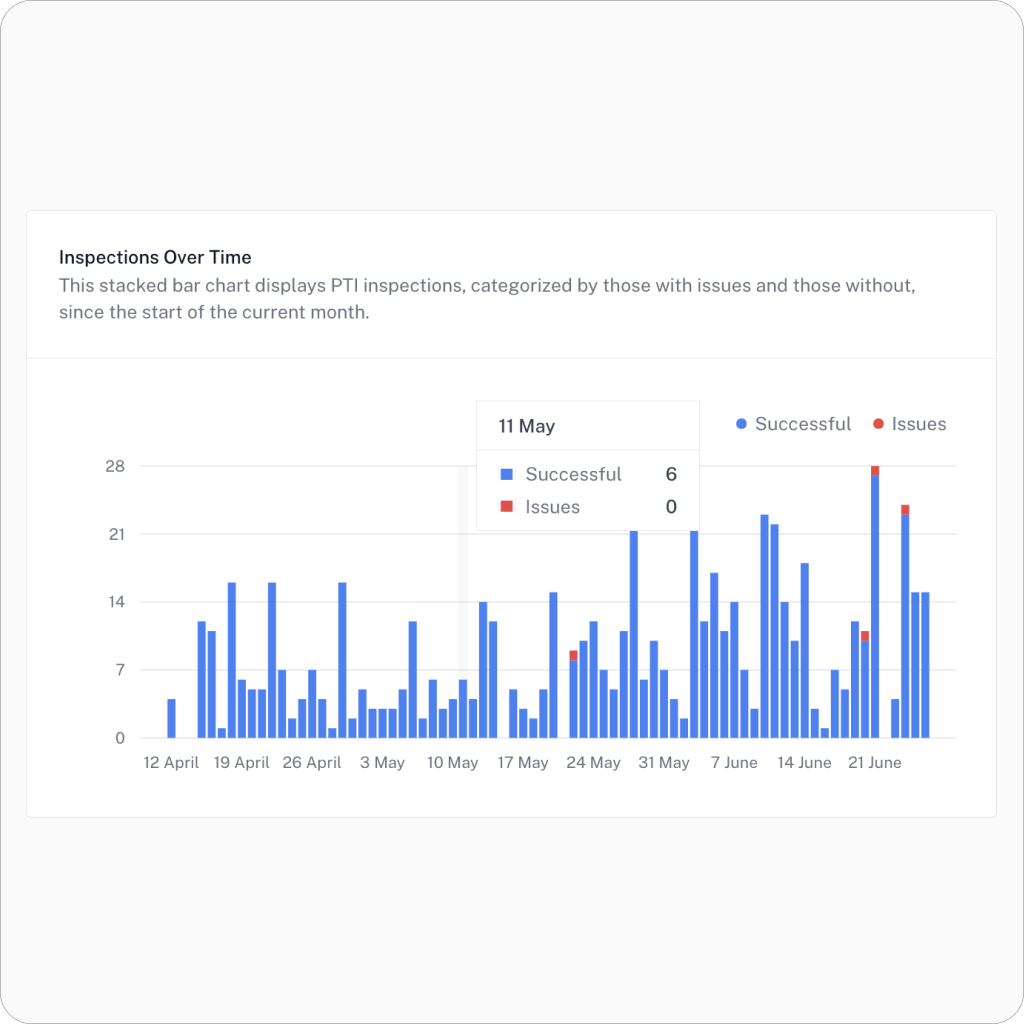
The graph displays all inspections, using different colors to distinguish between successful inspections and those with defects. This allows for easy identification of when and which driver had defects.
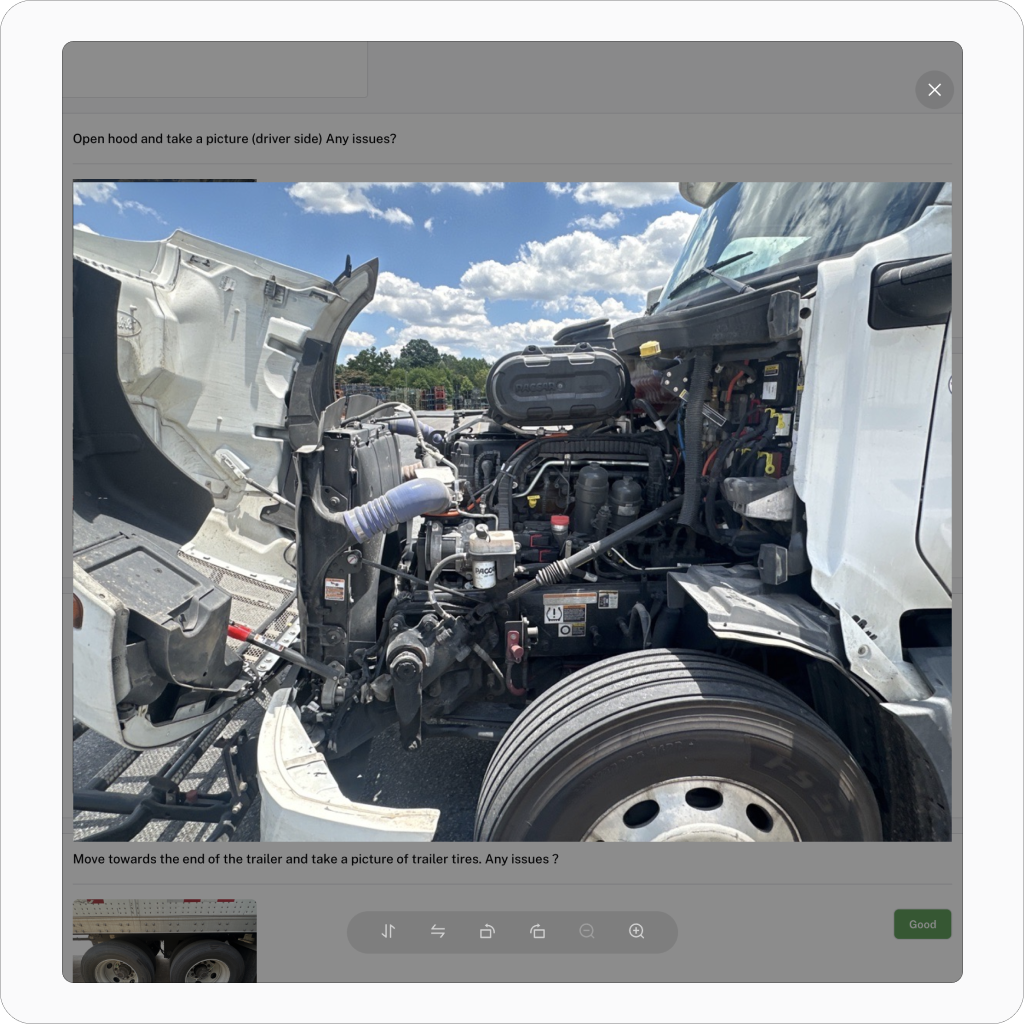
Photo-Based DVIR Inspections
RaiseDash offers high-quality photo inspections where drivers can document exact defects, enhancing the accuracy of DVIR inspections.
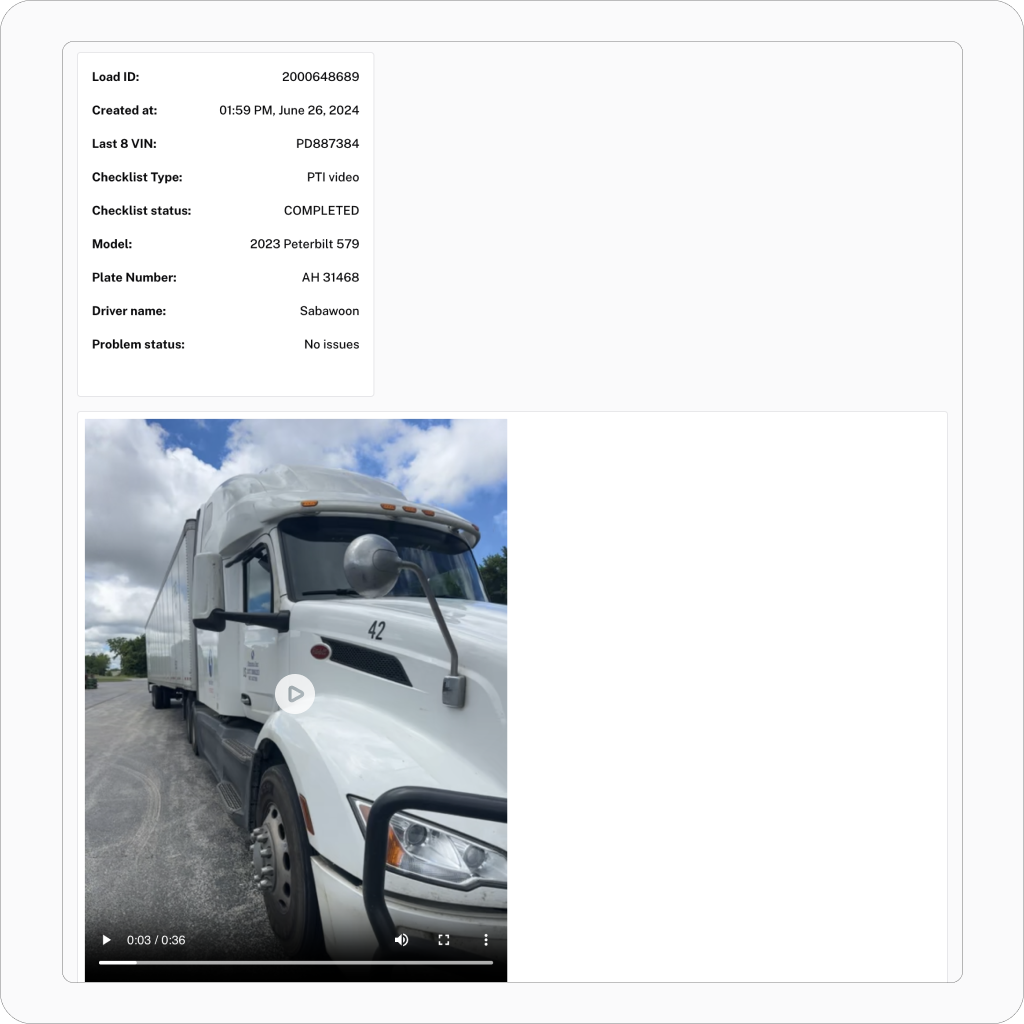
Video Inspections
You can utilize video-based inspections with audio, saving drivers time and providing more accurate live footage of the fleet.
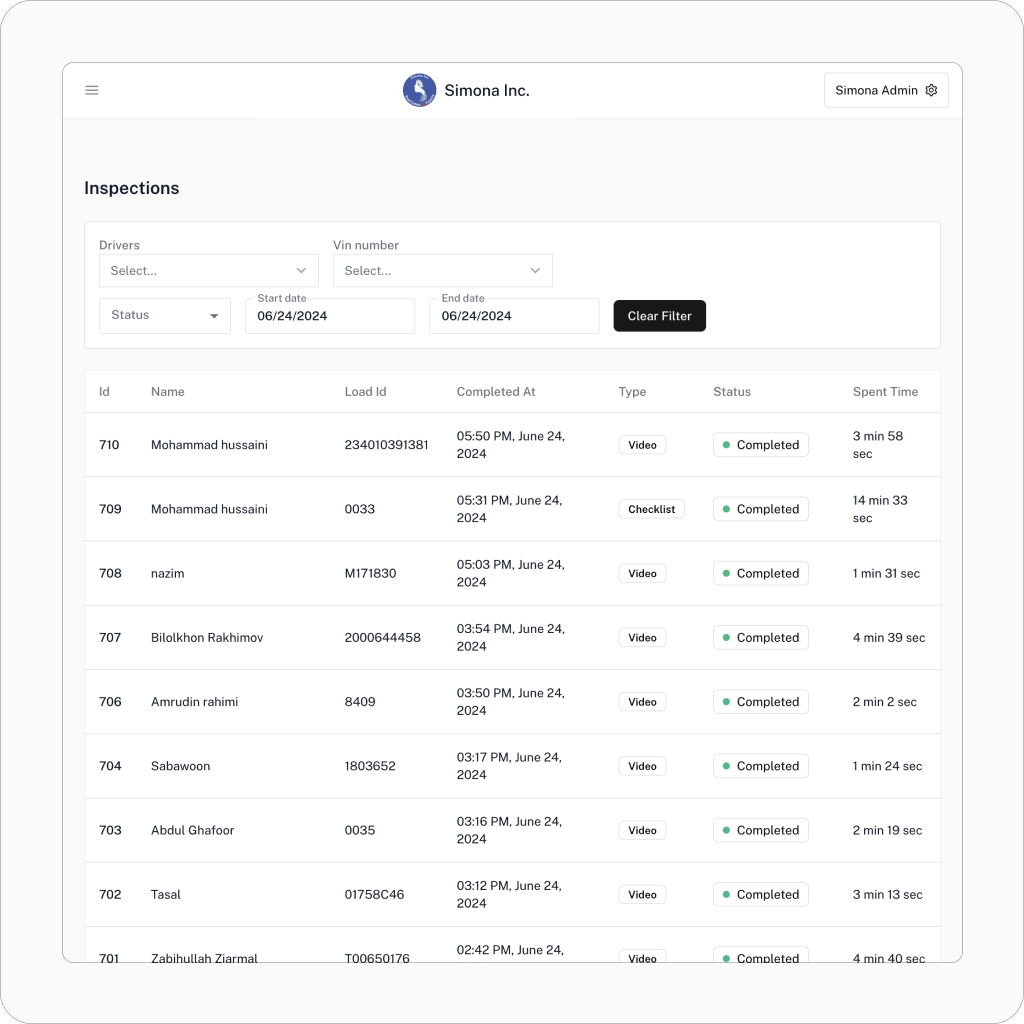
Inspections List
Different filters allow you to find specific inspections and analyze your company’s inspection trends efficiently
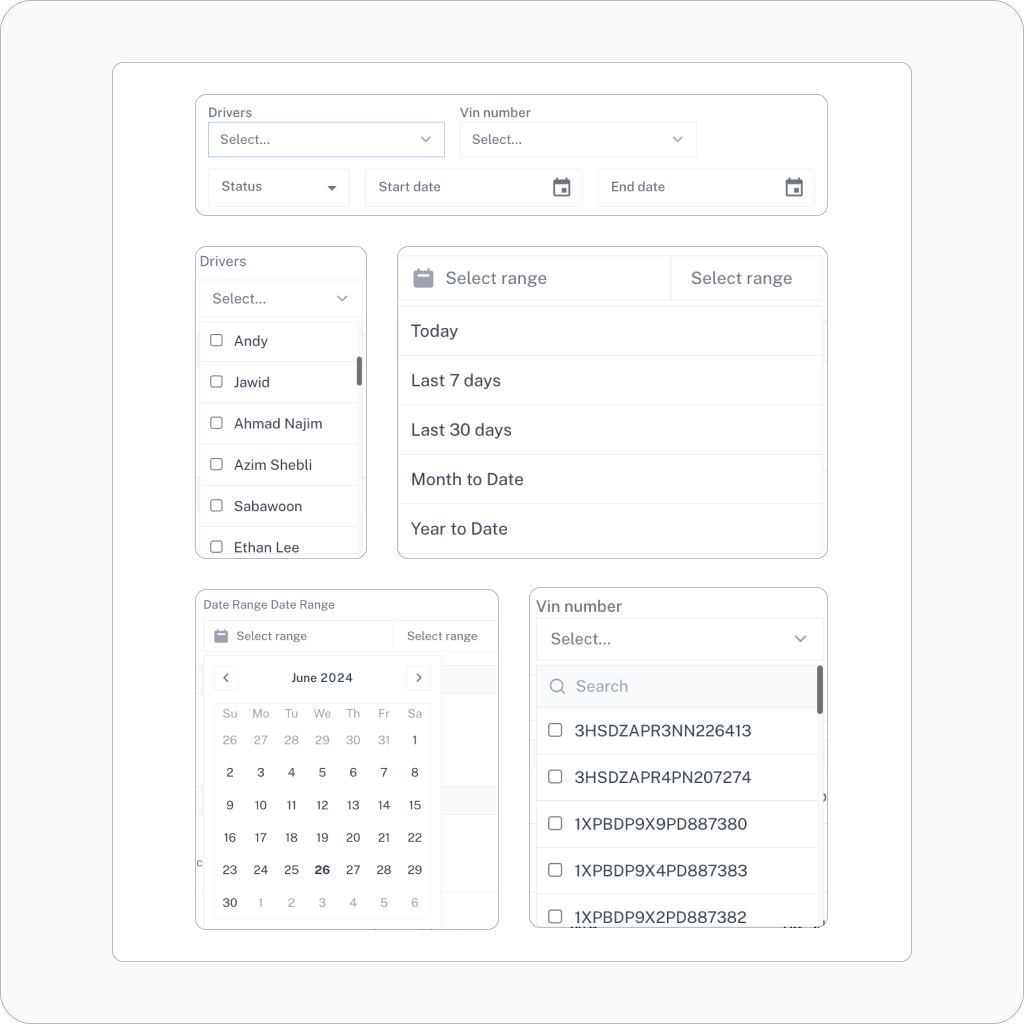
Advanced Filters
Different filters allow you to find specific inspections and analyze your company’s inspection trends efficiently
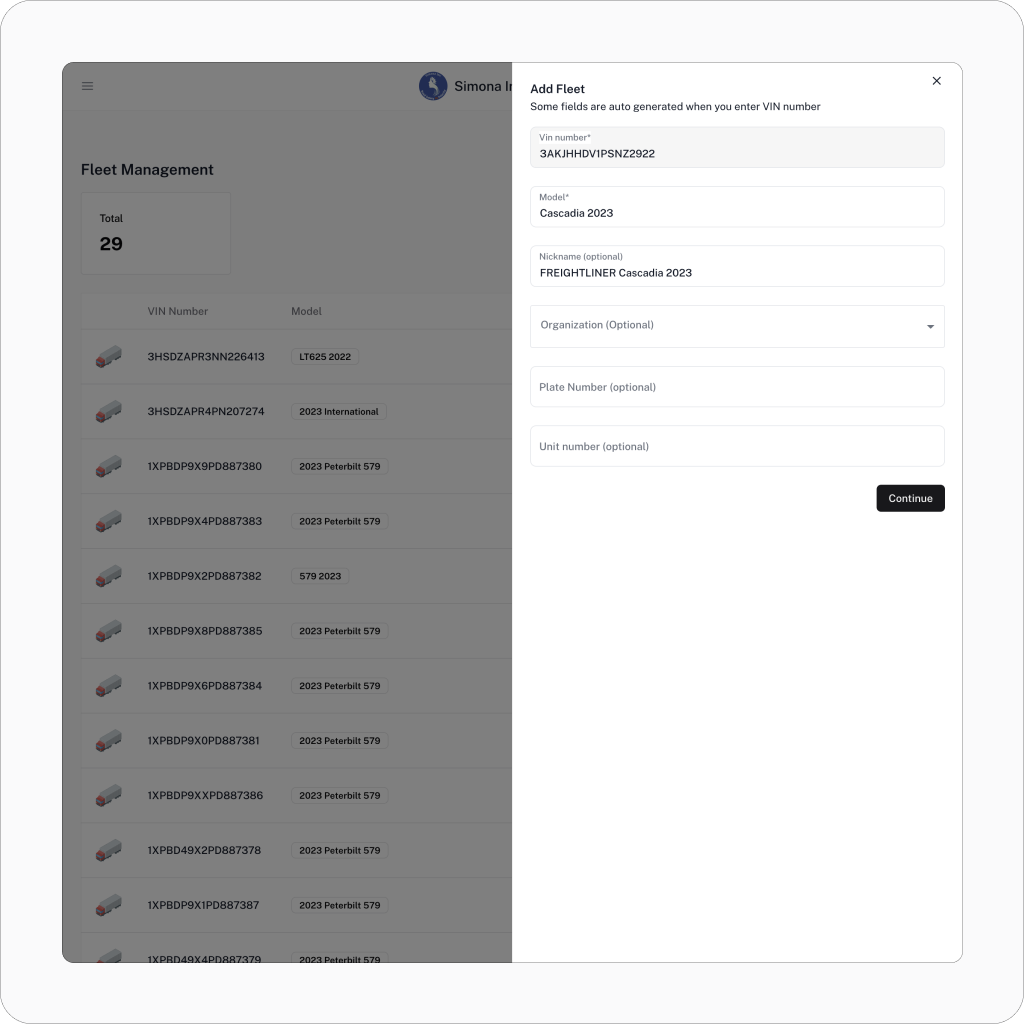
Fleet Management
Manage your fleet from the same dashboard. Adding fleet vehicles is made easier with RaiseDash’s auto-generated data when you enter the VIN number.
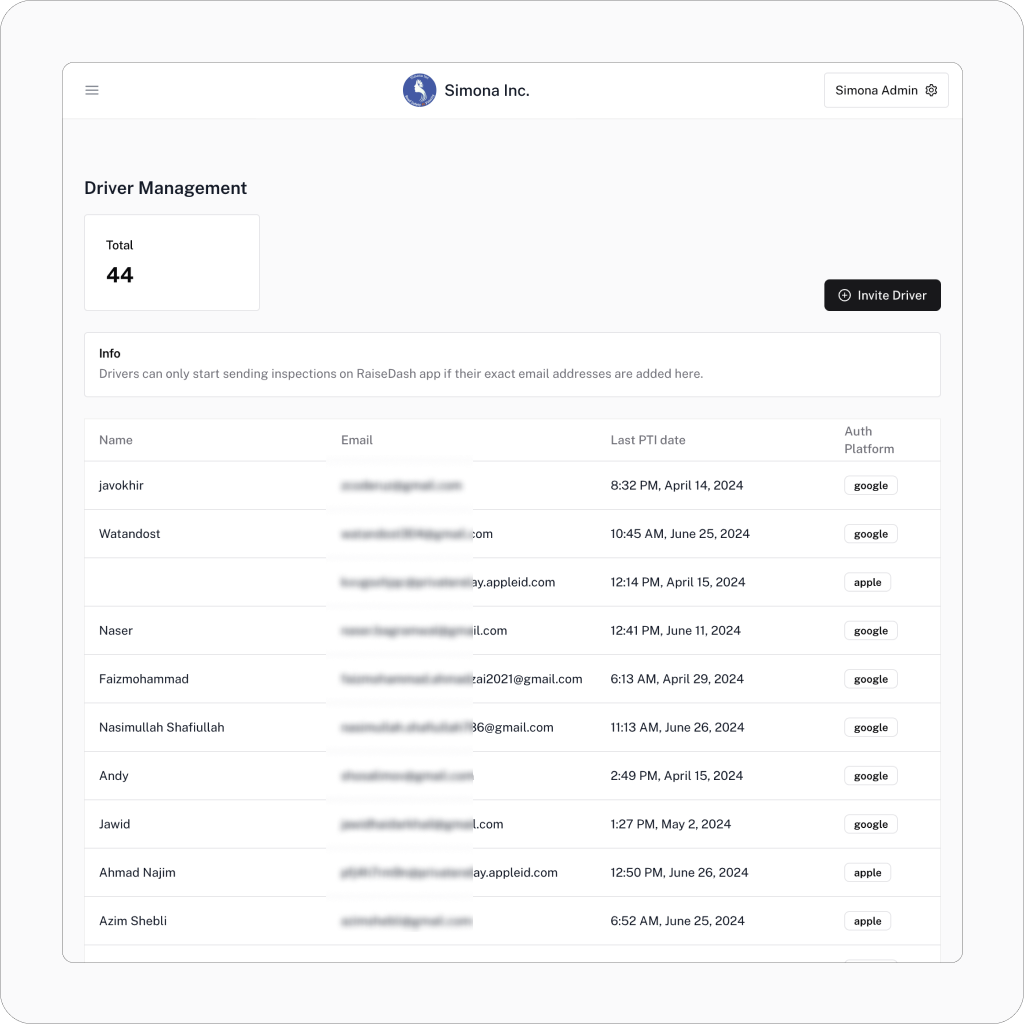
Driver Management
Efficiently manage your drivers from a single dashboard, keeping track of their performance, inspections, and compliance with ease.
User Management
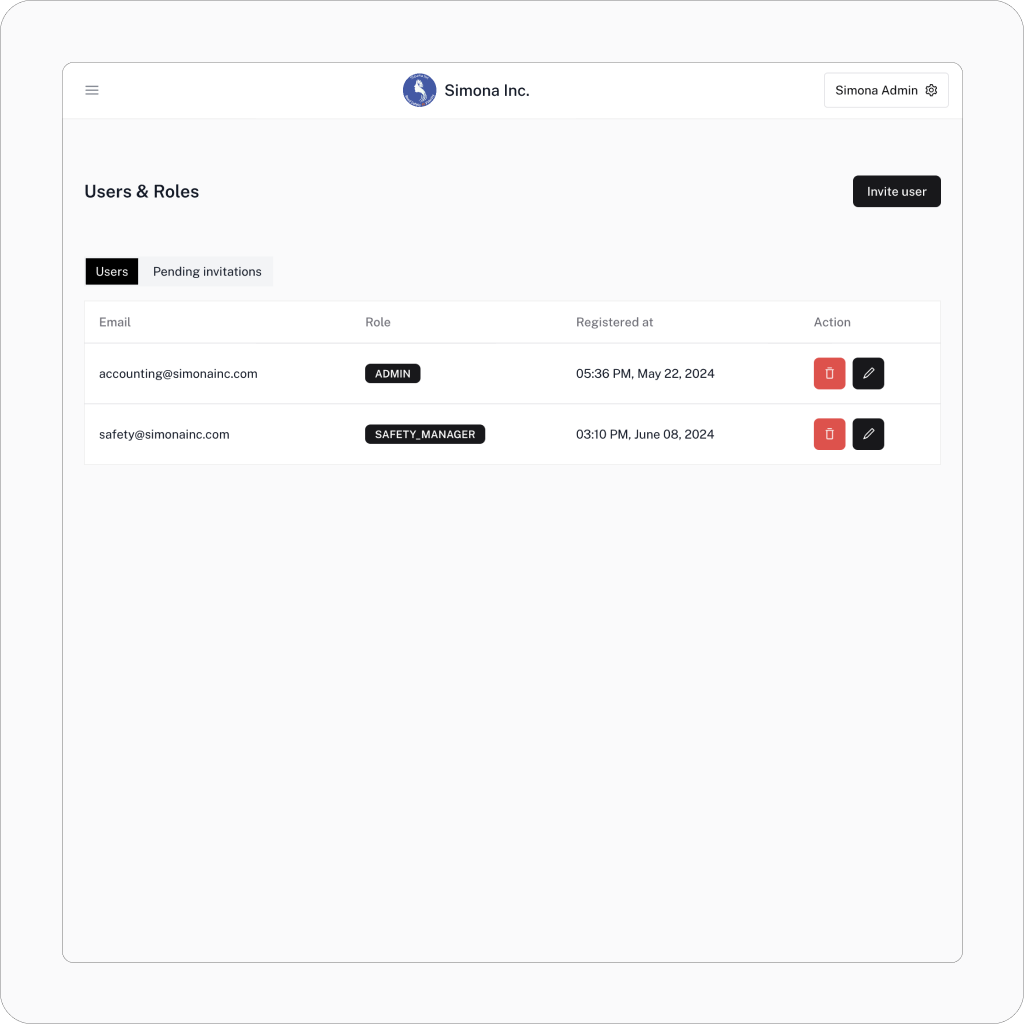
Easily add fleet and safety managers to your dashboard, streamlining user roles and permissions for better team coordination.